Stop Believing the Box: A No-Nonsense Guide to Figuring Out Your Device's Real Battery Life
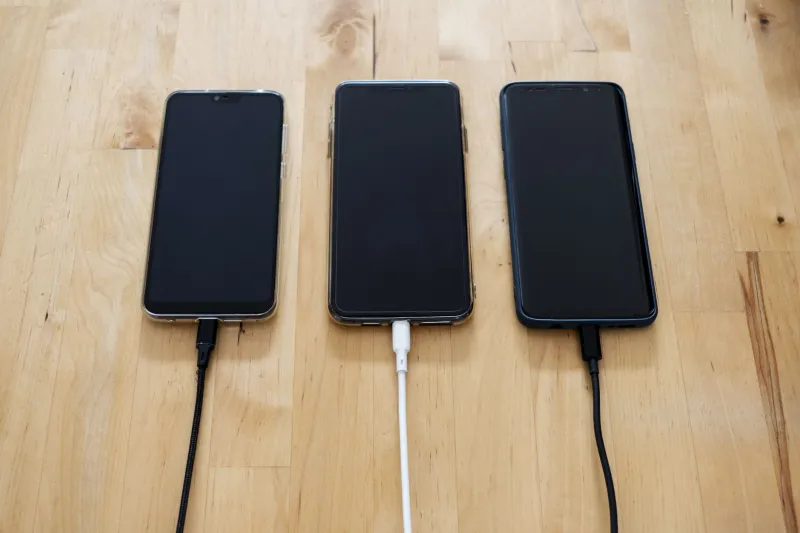
You've been there. You buy a new phone, tablet, or handheld device because the spec sheet promises something like 15 or 18 hours of battery life. You spend a full day with it and hit 20% by dinnertime. Then you spend the next week wondering if you got a defective unit, before eventually accepting that the number on the box was basically fiction.
It wasn't defective. You were just reading marketing copy and treating it like engineering data. Those are very different things, and understanding the gap between them is how you start making smarter buying decisions.
How Manufacturers Build the Perfect (Fake) Battery Test
Manufacturers aren't technically lying when they publish battery life figures. They're just testing under conditions that are optimized to produce the best possible number — conditions that have almost nothing to do with how you actually use a device.
Here's what a typical manufacturer battery test looks like: screen brightness set to somewhere between 100 and 200 nits (your eyes probably want at least 300-400 nits in normal indoor lighting), Wi-Fi connected to a local network with minimal actual traffic, no cellular radio active, no background sync, no location services, no notifications pinging, and the device running a lightweight looping task like playing a locally stored video file or cycling through web pages at a slow, fixed interval.
Under those conditions? Yeah, 18 hours is achievable. Under the conditions of your actual life? Not even close.
The MobileMark and PCMark battery benchmarks used by many PC manufacturers are slightly better than pure manufacturer tests, but they still represent idealized workloads. Even the most rigorous third-party reviewers testing under "real world" conditions are making assumptions about usage patterns that may not match yours.
The Variables That Actually Eat Your Battery
Let's talk about the specific factors that create the gap between claimed and real battery life, because understanding them is the first step toward predicting your actual numbers.
Screen Brightness is the single biggest variable most people underestimate. Going from 150 nits to 400 nits can increase display power draw by 60-80% on an OLED panel, and even more on LCD. Manufacturers love testing at low brightness. You probably don't use low brightness.
Network Type and Activity matters more than most people realize. Sitting on Wi-Fi with light traffic is one thing. Pulling LTE or 5G data continuously — streaming video, syncing files, doing a video call — is a completely different power draw profile. 5G mmWave in particular can be brutal on battery when the radio is actively searching for signal.
CPU Scaling and Workload is where things get complicated. Modern chips have efficiency cores that handle light tasks and performance cores that handle heavy ones. Manufacturer tests are designed to keep devices in efficiency-core territory as much as possible. The moment you open a browser with 15 tabs, fire up a game, or run any kind of productivity software with real complexity, performance cores wake up and the power draw jumps significantly.
Background Processes are the sneaky ones. Every app you've installed that has background refresh enabled is sipping battery constantly. Email clients, social apps, cloud backup services, health tracking — they all add up.
Temperature affects battery chemistry in ways most people never think about. Cold weather (think commuting in Chicago in January) temporarily reduces effective battery capacity. Heat causes long-term degradation. Neither condition is accounted for in manufacturer testing.
Your Personal Battery Reality Check: A Simple Calculator Method
Here's a practical method for estimating what a device will actually last for you, before or after you buy it.
Step 1: Find the raw battery capacity in mWh. Manufacturers usually list capacity in mAh at a specific voltage. Convert to mWh by multiplying mAh × voltage. A 5,000mAh battery at 3.85V = roughly 19,250mWh. This is your starting number.
Step 2: Apply a real-world efficiency factor. Batteries never deliver 100% of their rated capacity in actual use due to voltage sag, thermal losses, and the device's minimum cutoff voltage. Multiply your mWh figure by 0.85 as a conservative real-world adjustment.
Step 3: Estimate your average power draw. This is the hard part, but you can get close. Use your current device as a baseline — if you know it has a 15,000mWh battery and lasts 7 hours for you, your average draw is roughly 2,100mW. Apply that same draw to the new device's adjusted capacity.
Step 4: Weight your usage mix. If you spend 40% of your time streaming video, 30% browsing, 20% in productivity apps, and 10% gaming, each of those has a different power draw. Streaming on LTE might pull 3W average; light browsing on Wi-Fi might pull 1.5W; gaming might pull 6-8W. Weight them by your actual usage percentages and calculate a blended average wattage.
Step 5: Divide adjusted capacity by blended draw. This gives you a realistic hour estimate. It won't be perfect, but it'll be a lot closer to reality than whatever number is printed on the box.
A Quick Reference for Common Scenarios
If you want rough benchmarks to sanity-check your estimates: casual browsing and messaging on Wi-Fi at moderate brightness typically draws 1.5-2.5W on a modern phone or tablet. Streaming video on LTE at full brightness runs 3-5W. Active gaming on a handheld device can hit 8-15W depending on the game and graphics settings. Video calls are surprisingly expensive — expect 4-6W depending on camera use and network type.
The Bottom Line
Manufacturer battery claims are a starting point for comparison, not a promise. The best thing you can do before buying is find a reviewer who documents their testing conditions in detail, check whether their usage patterns match yours, and then use the method above to translate their results into your real-world expectations.
Once you start thinking about battery life as a function of your specific usage rather than a fixed spec, you'll stop being disappointed — and you'll make much smarter decisions about which device actually fits your life.